
Download PrintPOS BD for Windows
Fast, lightweight press accounting, job tracking and billing desktop software. 100% offline capable with local database.
Intel Core i3 / AMD equivalent
4 GB RAM minimum
500 MB Free SSD Space
Thermal POS & A4 Printers
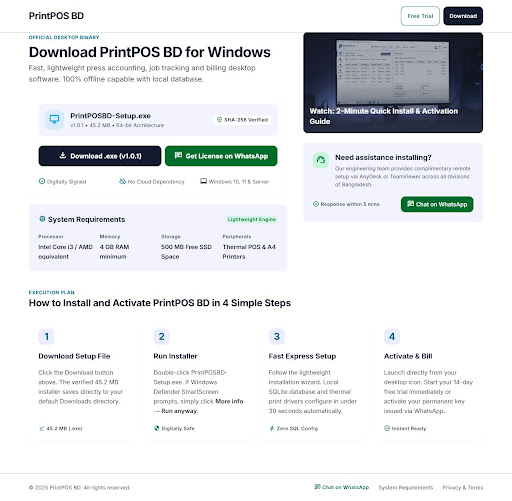
How to Install and Activate PrintPOS BD in 4 Simple Steps
Download Setup File
Click the Download button above. The verified installer saves directly to your default Downloads directory.
Run Installer
Double-click PrintPOSBD-Setup-1.0.2.exe. If Windows Defender SmartScreen prompts, simply click More info → Run anyway.
Fast Express Setup
Follow the lightweight installation wizard. Local SQLite database and thermal print drivers configure in under 30 seconds automatically.
Activate & Bill
Launch directly from your desktop icon. Start your 14-day free trial immediately or activate your permanent key issued via WhatsApp.